Inventory Management System
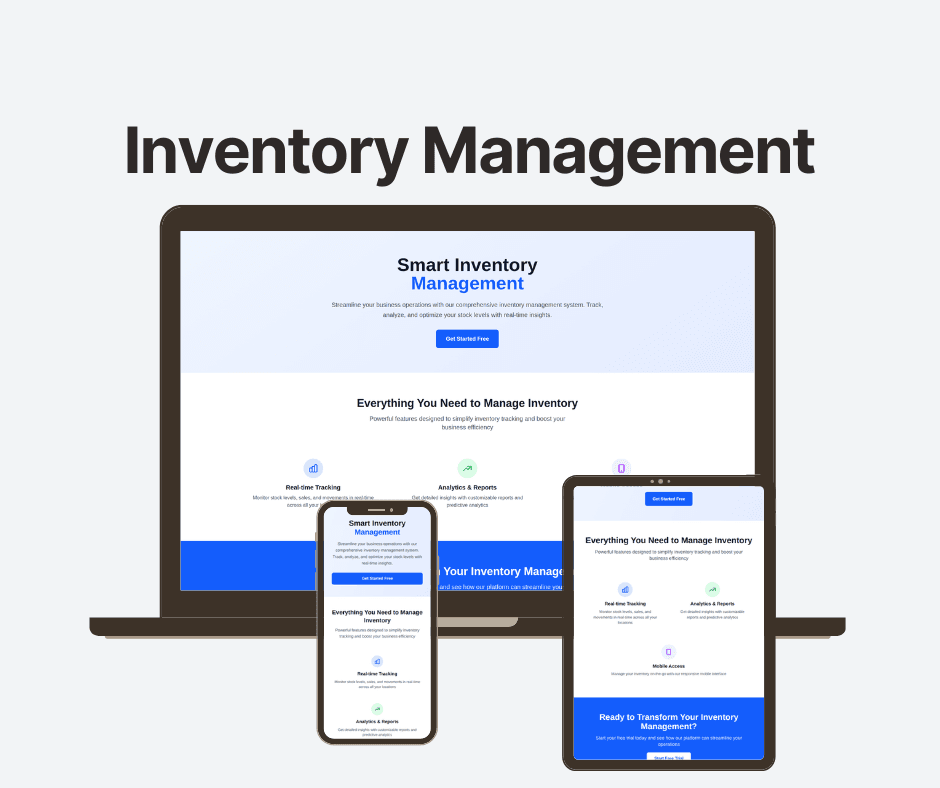
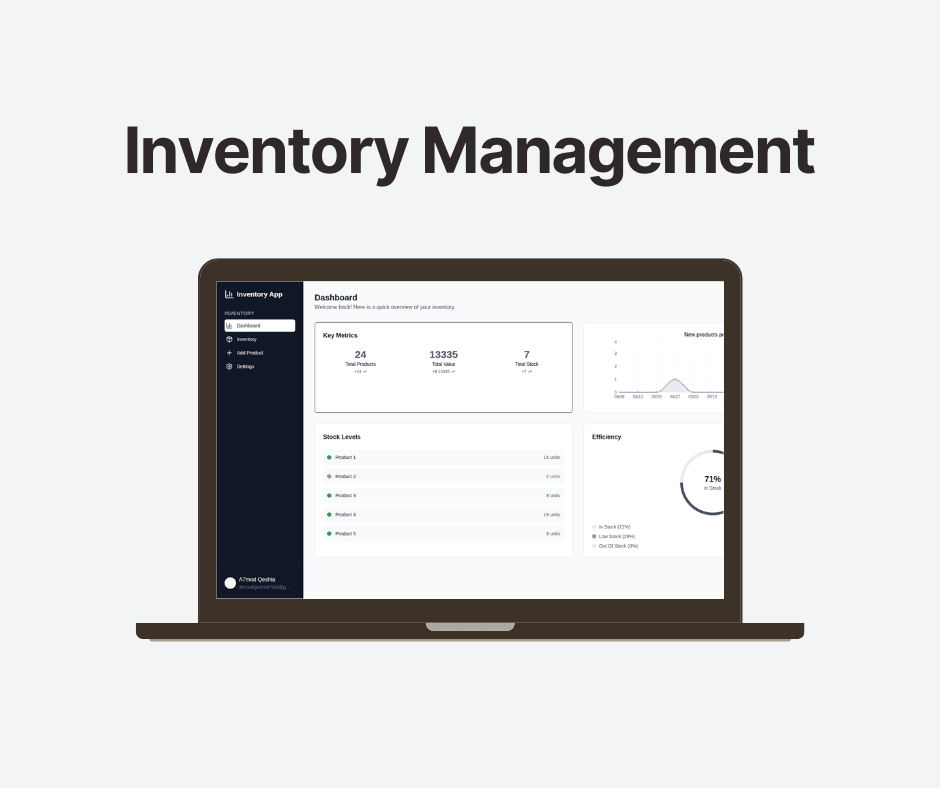
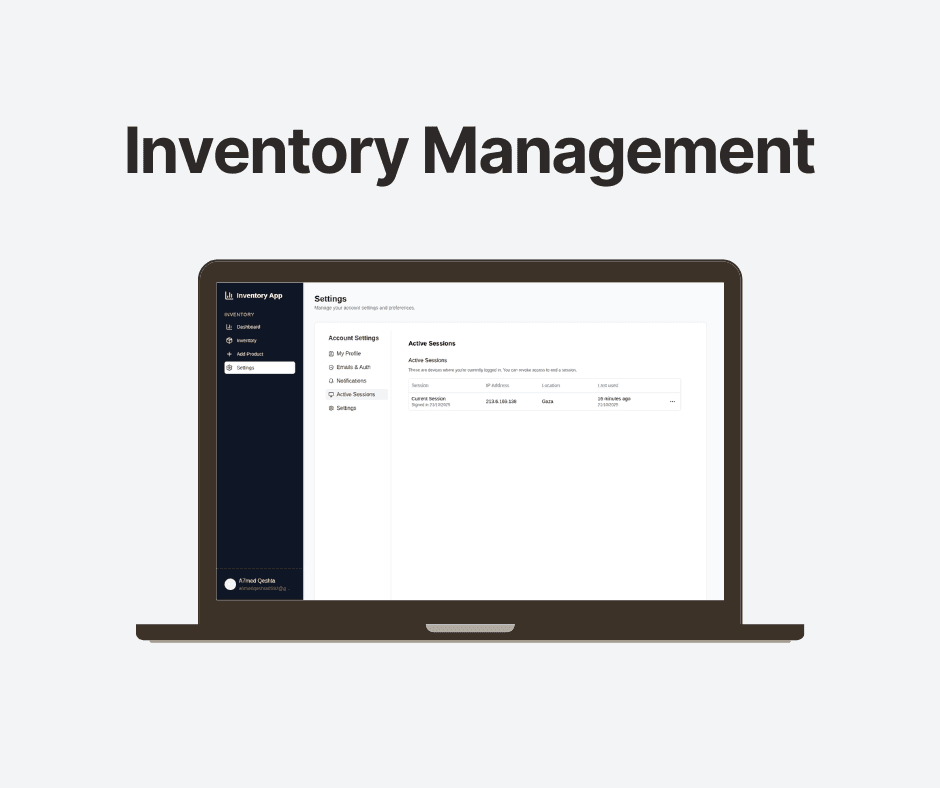
The Inventory Management App is a full-stack web application that was created with TypeScript, Next.js 15, and Prisma to assist users in effectively managing and monitoring product inventories. Along with complete CRUD functionality for products, which includes fields like name, price, quantity, and SKU, it also has a real-time dashboard that displays product counts, stock levels, and total inventory value. Additionally, the app offers search and filter capabilities, low-stock alerts, and a responsive interface for users on the web and mobile devices. It is a cutting-edge and scalable solution for inventory management requirements since it makes use of PostgreSQL for data storage, Tailwind CSS for styling, and Stack Auth for authentication.
About This Project
Inventory Management System
A modern, full-stack inventory management application built with Next.js 15, TypeScript, and Prisma. Features real-time analytics, product management, and low stock alerts.
🚀 Features
- Dashboard Analytics: Real-time metrics including total products, inventory value, and stock levels
- Product Management: Add, view, and delete products with comprehensive details
- Inventory Tracking: Monitor stock levels with configurable low stock alerts
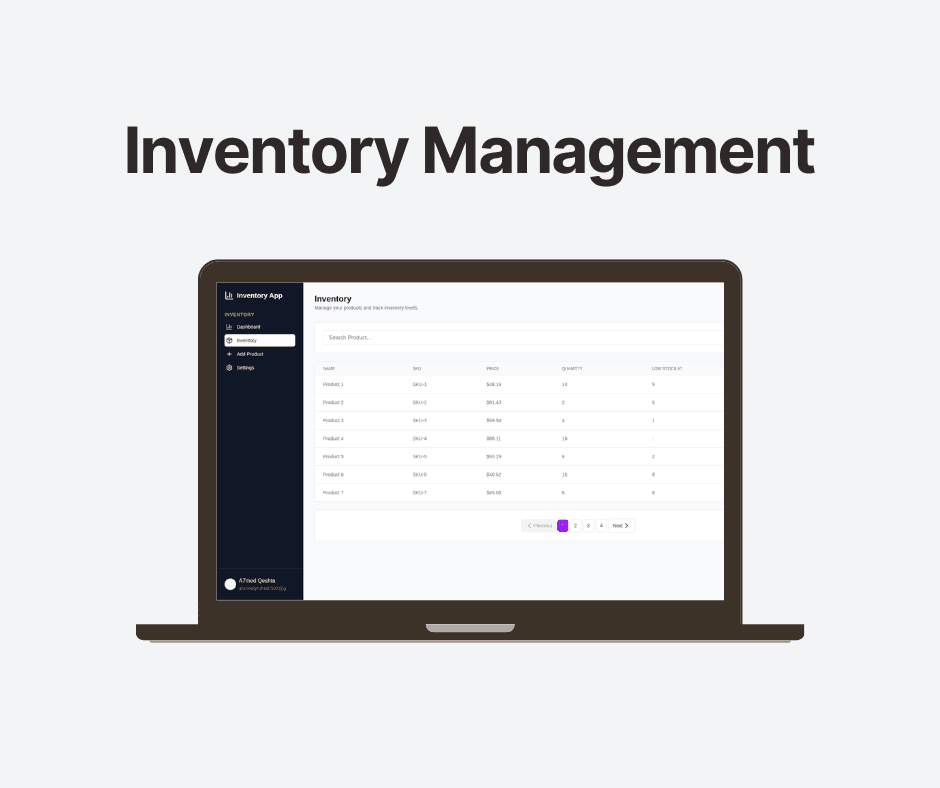
- Search & Filter: Find products quickly with search functionality
- Responsive Design: Modern UI that works on all devices
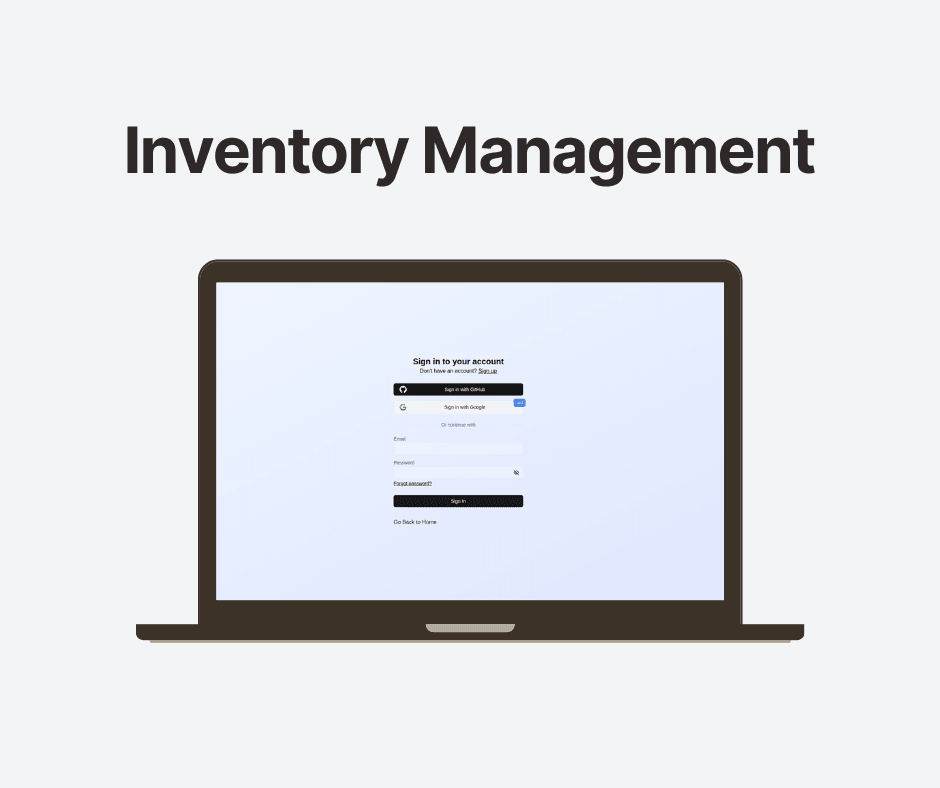
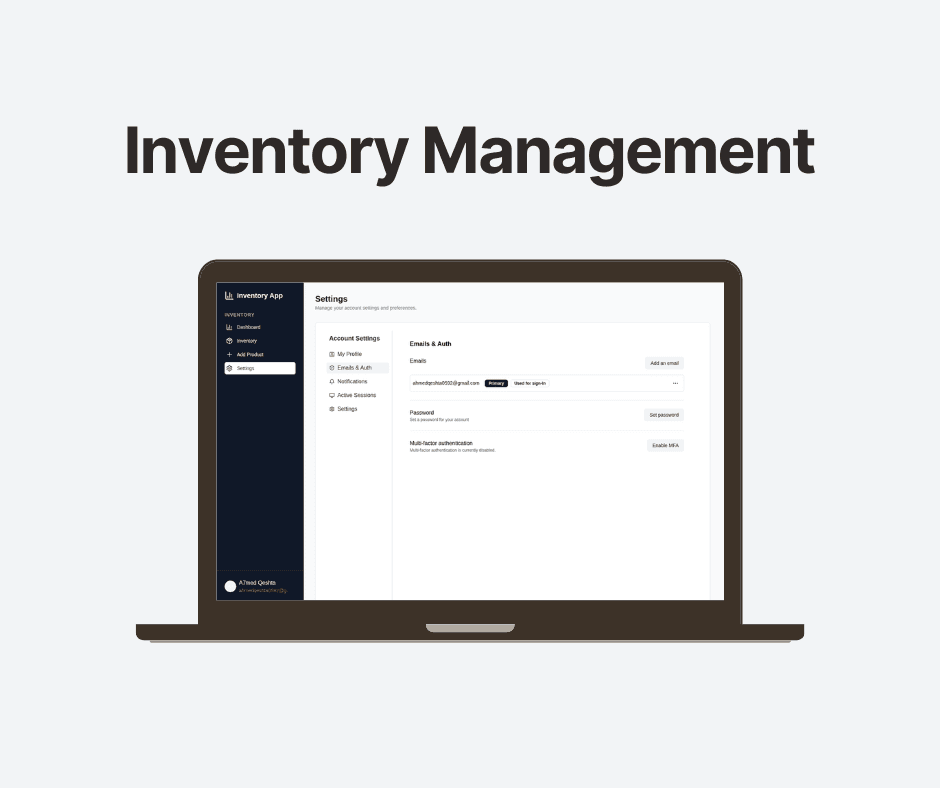
- Authentication: Secure user authentication with Stack Auth
- Data Visualization: Interactive charts for inventory insights
🛠️ Tech Stack
- Frontend: Next.js 15, React 19, TypeScript
- Styling: Tailwind CSS 4
- Database: PostgreSQL with Prisma ORM (neon)
- Authentication: Stack Auth
- Charts: Recharts
- Validation: Zod
- Icons: Lucide React
📋 Prerequisites
- Node.js 18+
- PostgreSQL database
- npm or yarn
🚀 Getting Started
1. Clone the repository
git clone https://github.com/AhmedQeshta/inventory-management-app.git
cd inventory-management-app
2. Install dependencies
npm install3. Environment Setup
Create a .env.local file in the root directory:
DATABASE_URL="postgresql://username:password@localhost:5432/inventory_db"
NEXT_PUBLIC_STACK_PROJECT_ID="your_stack_project_id"
STACK_API_KEY="your_stack_api_key"
4. Database Setup
# Generate Prisma client
npx prisma generate# Run database migrations
npx prisma db push# Seed the database (optional)
npm run seed5. Start the development server
npm run devOpen http://localhost:3000 in your browser.
📁 Project Structure
inventory-management/
├── app/                    # Next.js app router pages
│   ├── dashboard/         # Analytics dashboard
│   ├── inventory/         # Product inventory page
│   ├── add-product/       # Add new product form
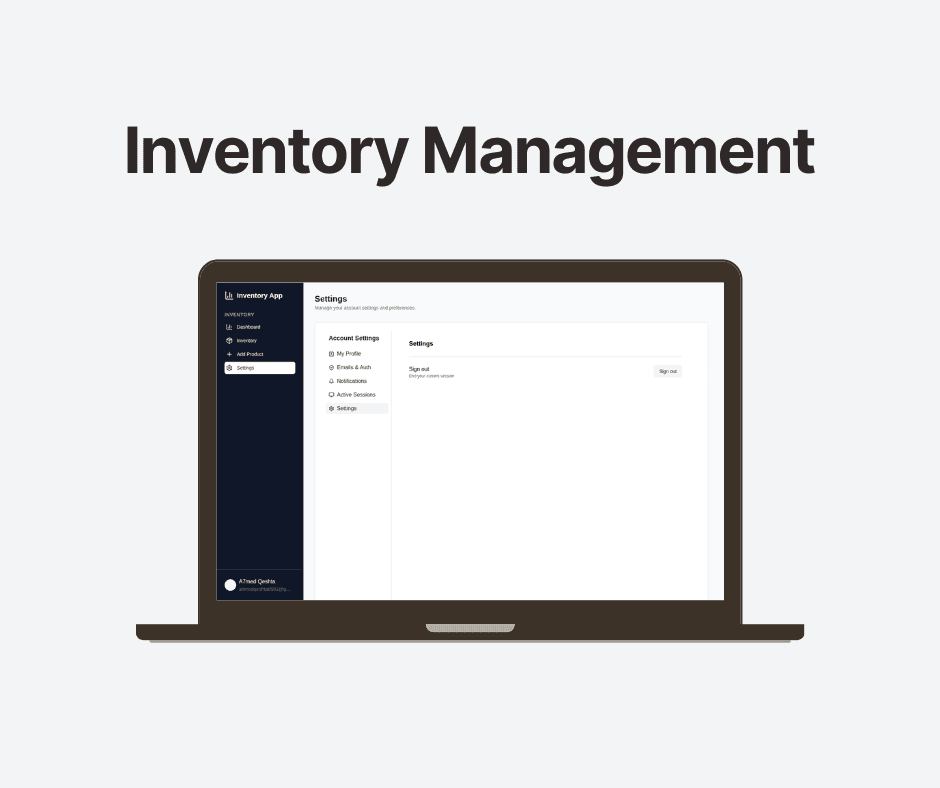
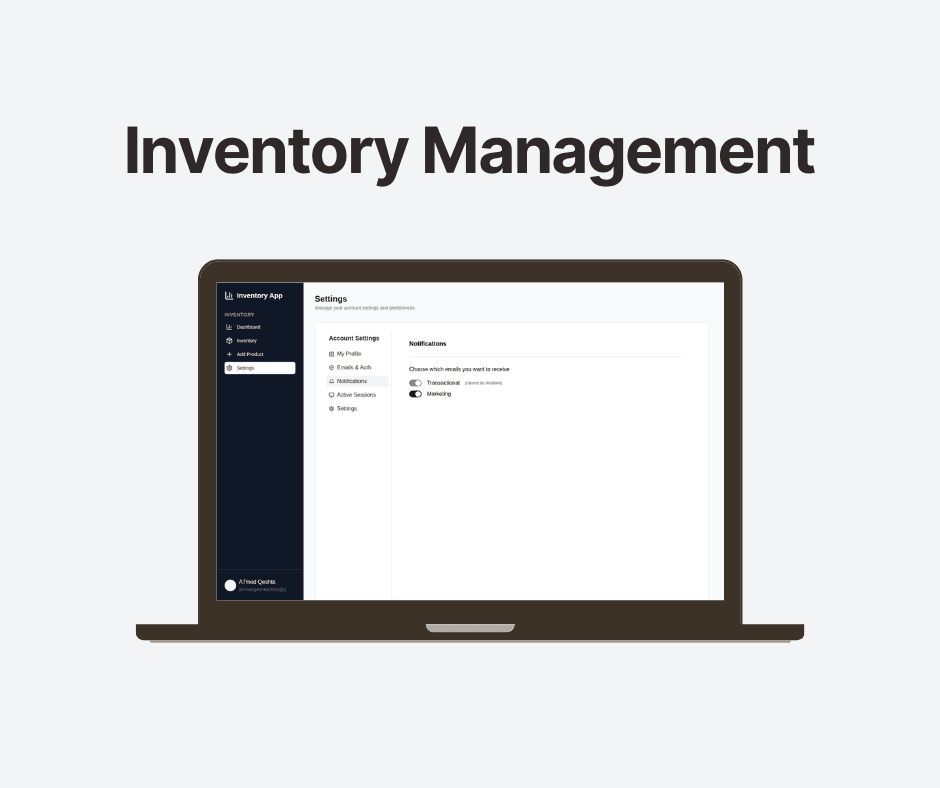
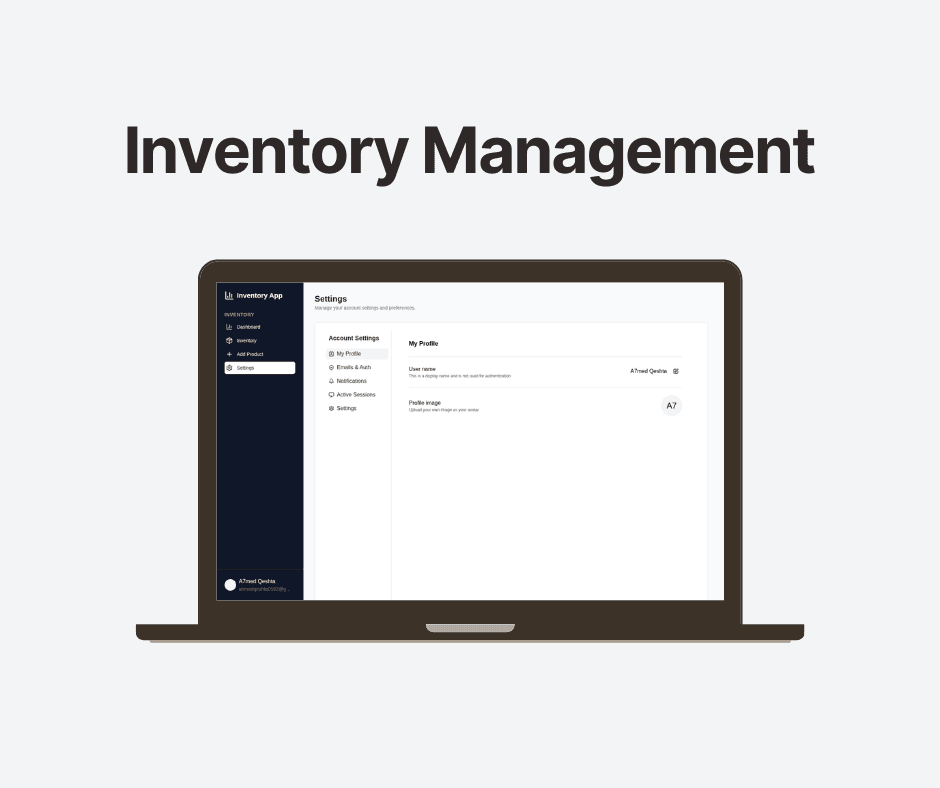
│   └── settings/          # User settings
├── components/            # Reusable UI components
│   ├── sidebar.tsx        # Navigation sidebar
│   ├── key-metrics.tsx   # Dashboard metrics
│   ├── stock-levels.tsx  # Stock level indicators
│   └── pagination.tsx    # Table pagination
├── lib/                   # Utility functions and actions
│   ├── actions/          # Server actions
│   ├── auth.ts           # Authentication logic
│   ├── prisma.ts         # Database client
│   └── utils.ts          # Helper functions
├── prisma/               # Database schema and migrations
└── stack/               # Stack Auth configuration
🎯 Key Features
Dashboard
- Total Products: Count of all products in inventory
- Total Value: Calculated inventory value
- Low Stock Alerts: Products below threshold
- Stock Level Distribution: Visual breakdown of stock status
- Weekly Product Trends: Chart showing product additions over time
Product Management
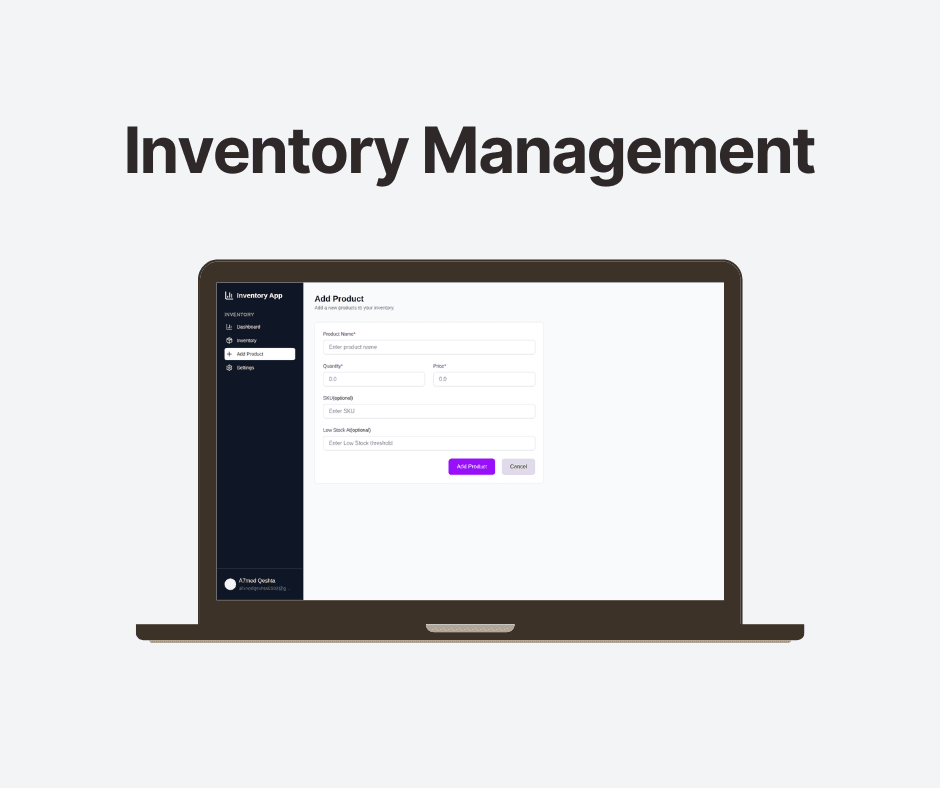
- Add Products: Form with validation for name, price, quantity, SKU, and low stock threshold
- View Inventory: Paginated table with search functionality
- Delete Products: Remove products from inventory
- Stock Monitoring: Automatic low stock detection
Data Models
Product Schema:
{
  id: string
  userId: string
  name: string
  sku?: string
  price: Decimal
  quantity: number
  lowStockAt?: number
  createdAt: DateTime
  updatedAt: DateTime
}
🔧 Available Scripts
npm run dev          # Start development server with Turbopack
npm run build        # Build for production
npm run start        # Start production server
npm run lint         # Run ESLint
npm run seed         # Seed database with sample data
🚀 Deployment
Vercel (Recommended)
Push your code to GitHub
Connect your repository to Vercel
Add environment variables in the Vercel dashboard
Deploy automatically
📊 Database Schema
The application uses a single Product model with the following fields:
- id: Unique identifier (CUID)
- userId: Owner of the product
- name: Product name
- sku: Optional SKU code
- price: Product price (decimal)
- quantity: Current stock quantity
- lowStockAt: Low stock threshold
- createdAt: Creation timestamp
- updatedAt: Last update timestamp
🤝 Contributing
Fork the repository
Create a feature branch
git checkout -b feature/amazing-featureCommit your changes
git commit -m 'Add amazing feature'Push to the branch
git push origin feature/amazing-featureOpen a Pull Request
🆘 Support
If you encounter any issues or have questions:
Check the Issues page
Create a new issue with detailed information
Include error messages and steps to reproduce
Gallery
Timeline
Technologies


